
Hemoglobin testing
Digital Hemoglobin Test
Hemoglobin testing, connected to your phone.
Explore the NeoDocs smartphone-connected hemoglobin meter, its testing workflow and product support. Order through the NeoDocs shop.
How it works
Follow the supplied product instructions for preparation, timing and correct use.
STEP 1
Attach the device
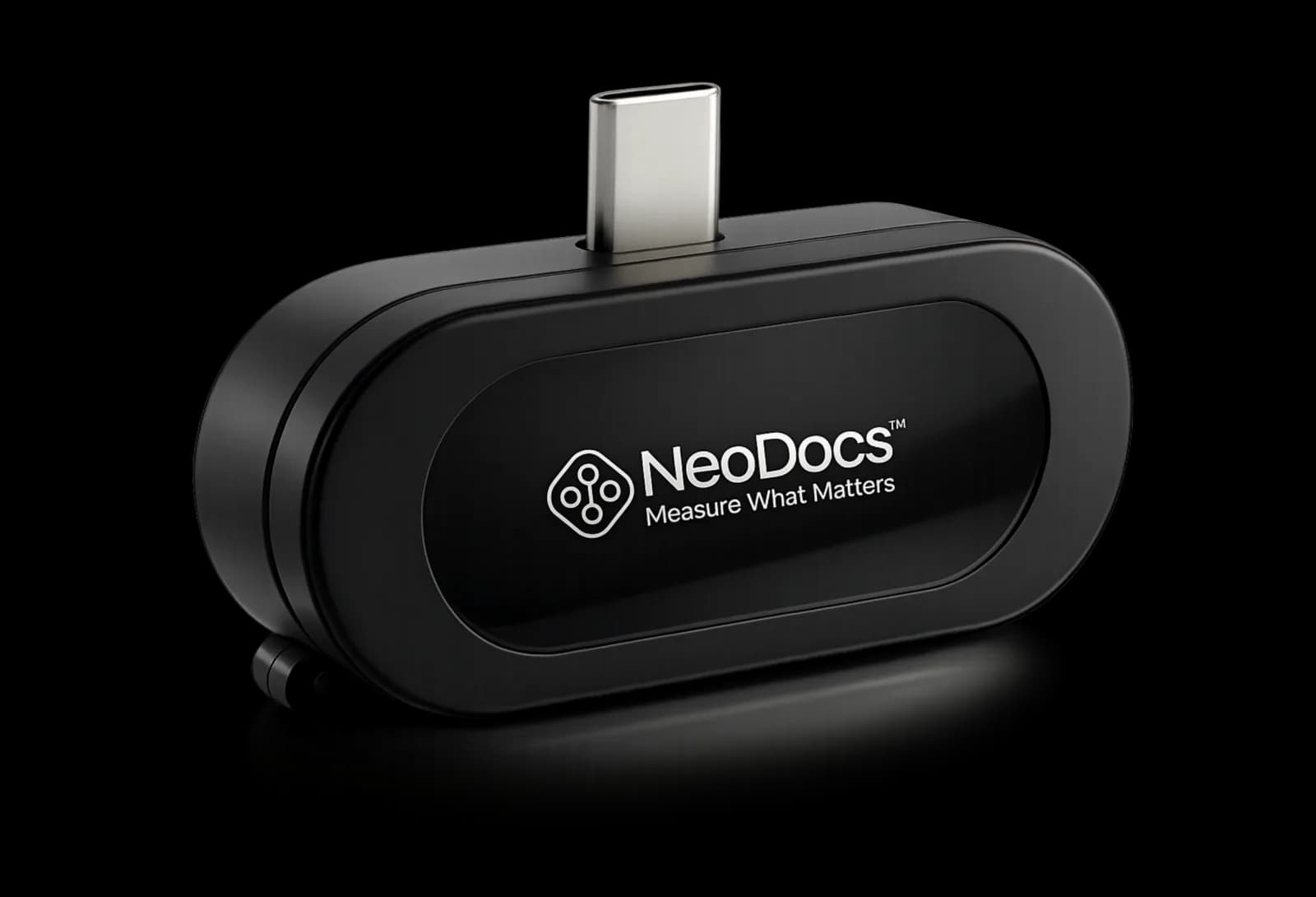
Plug the meter into your phone's USB-C port and open the app.
STEP 2
Collect blood in the cuvette
Collect the blood sample in the cuvette using the supplied instructions.
STEP 3
Insert the cuvette and close the lid
Place the prepared cuvette in the meter and close the lid.
STEP 4
Read the result
Quantitative hemoglobin results appear in the app in 30 seconds.
Product features
Works with any phone
The meter connects directly to your phone — no separate reader needed.
Quantitative results in 30 seconds
A cuvette-based workflow that reports hemoglobin levels instantly in the app.
Clinically validated
Validation study at the Nanobioscience lab, IIT Bombay: correlation coefficient 0.97.
Understanding the Digital Hemoglobin Test
The meter measures hemoglobin in a blood sample. Follow the device instructions and discuss results with a healthcare professional.
Your healthcare professional can advise on appropriate use and help interpret health information.
NeoDocs product referenceProduct specifications
- Measurement
- Hemoglobin
- Sample
- Blood
- Format
- Meter and cuvette
Frequently asked questions
How does the hemoglobin meter work?
Connect the device, prepare the blood sample and insert the cuvette following the instructions.
Where can I order the device?
Use the Buy from NeoDocs link for the product listing.
Can I discuss a bulk order?
Contact NeoDocs with the number of devices and your testing requirements.
Get the Digital Hemoglobin Test
Follow the purchase link to order, or contact NeoDocs for product support and bulk enquiries.